
Create stunning AI imagery in Blender with just a few cubes and lights! Dive into this week's tutorial using AI Render and explore the future of visual storytelling.
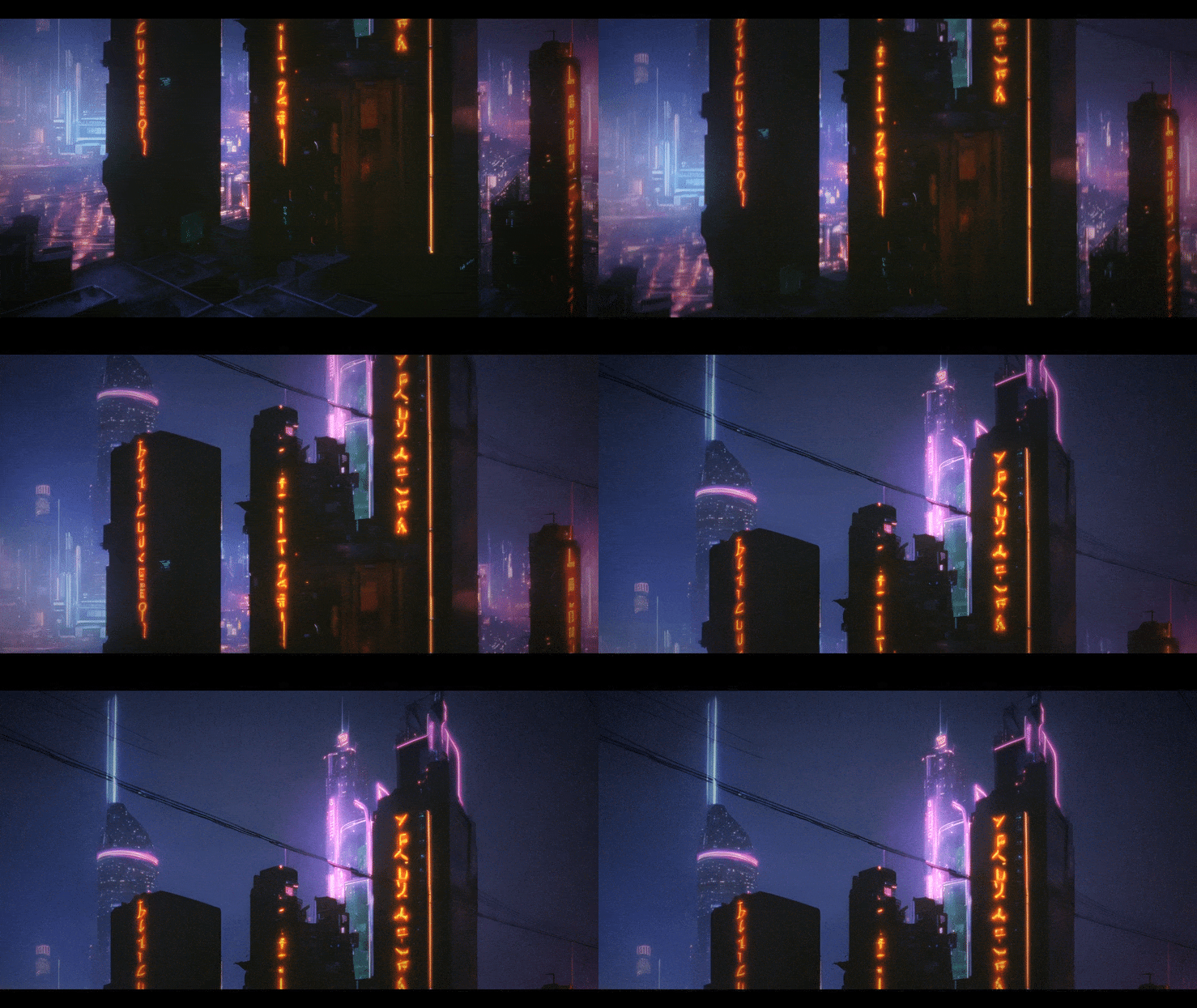
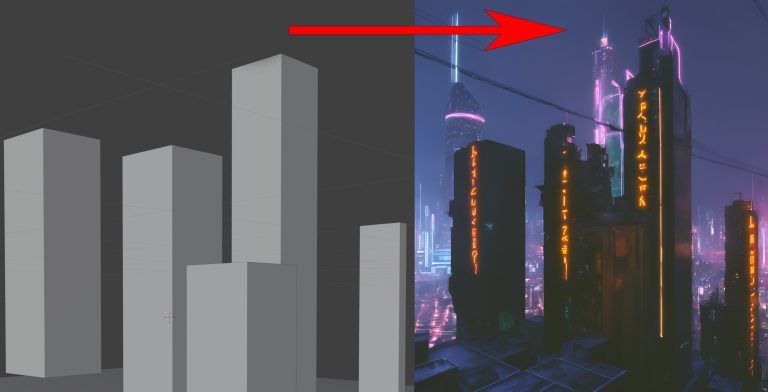
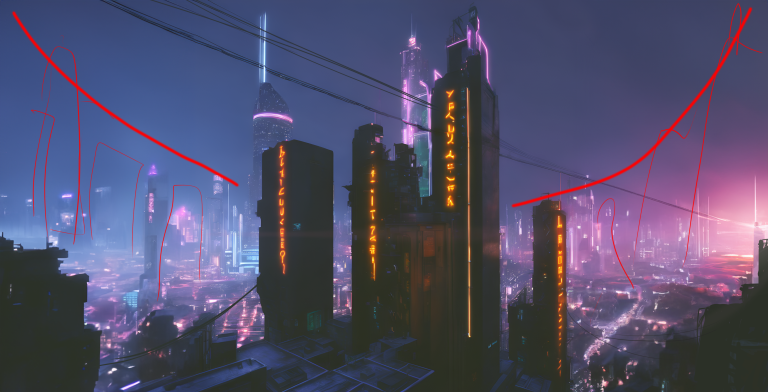
This week, I’m taking a look at creating AI images using 3D geometry as a guide.
This uses a free/donation based plugin called AI Render. The website has clear instructions on how to set it up and use it, so there’s no need for me to cover that here!
The plugin uses Stable Diffusion, an image generation model, to generate images, which are influenced by a 3D scene. You’ll be able to get results if you’re able to create and move very basic 3d geometry, move the camera, and add/tweak lights. That’s really it!
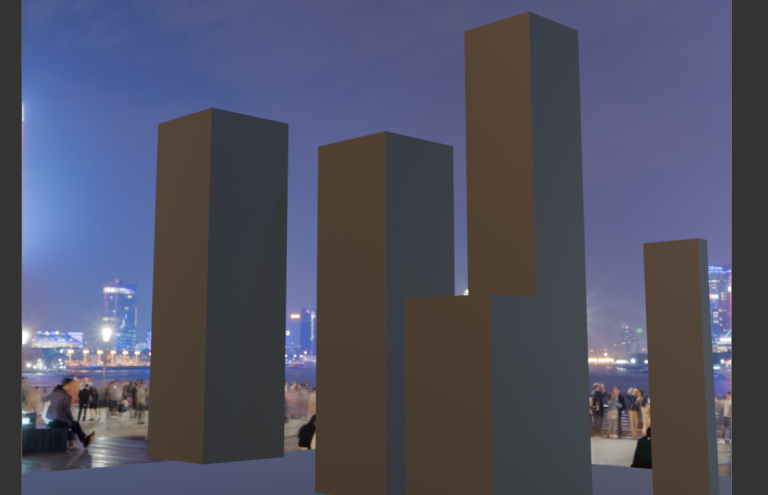
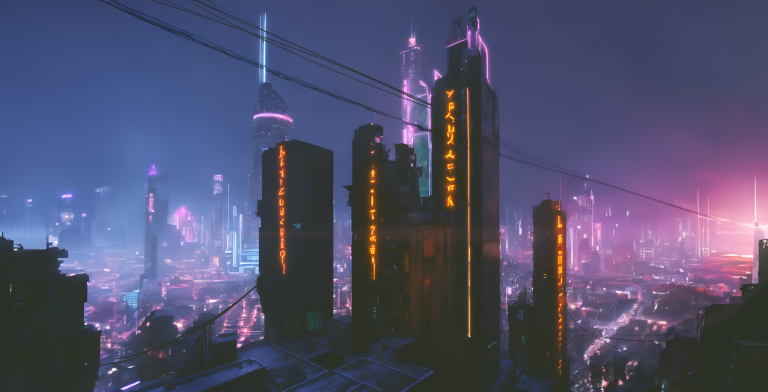
The video for the gif at the top of the page was just dropping that image into DaVinci, and doing a 2D move up it, with the usual bloom, grain, vignette, etc.
I might be wrong about that, but I don’t think so. That’s intuition, based on experience, the result of which is judgement. And our judgement is what makes us valuable regardless of the tools used.
As impressed as I am with AI, especially when you have some hands-on say in the direction like in these examples, it seems to me that it’s always going to be a limited tool in the hands of anyone who doesn’t already have a solid grasp of visual storytelling and creative and technical problem solving.
As far as I can tell, the film and VFX fundamentals will still be the same fundamentals, and I remain optimistic that they will be needed for the foreseeable future.
Oh, I’ve booted this image through video AI software (lumalabs.ai), which I’ll be sharing on the Student Discord as soon as it comes through!